
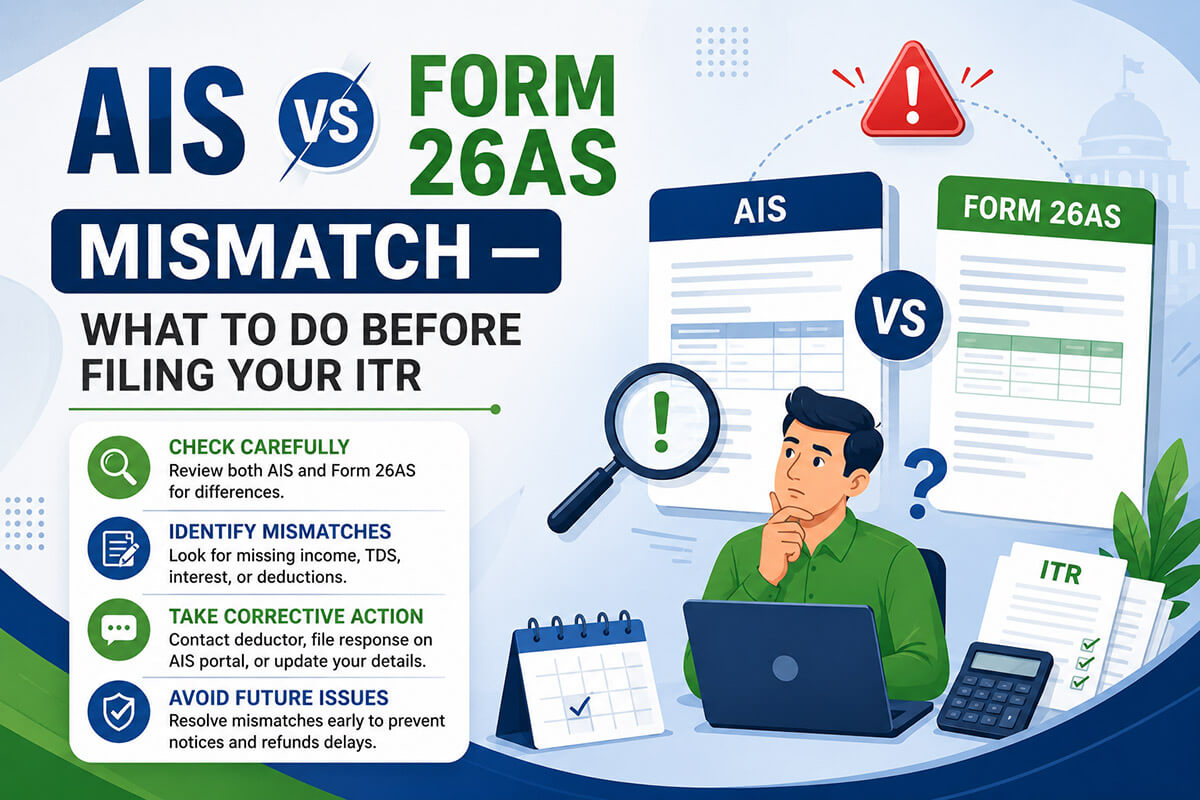
The Income Tax Department already knows your income before you file. Here is how to reconcile what they know with what you will report — and avoid a notice.
Why AIS Reconciliation Matters More Than Ever in 2026
Before you file your Income Tax Return, the Income Tax Department already has a detailed picture of your finances — built from data submitted by your employer, your bank, your broker, your mutual fund house, and dozens of other reporting entities. This picture lives in your Annual Information Statement (AIS).
When your ITR does not match this picture, the department’s automated processing system under Section 143(1) flags it. The result can be a tax demand, a refund hold, or in serious cases, a scrutiny notice. Since late 2025, the department has been running an aggressive “nudge campaign” — sending SMS and email alerts to taxpayers wherever AIS-reported transactions do not appear in filed returns.
Ignoring an AIS mismatch has serious consequences
- Section 143(1)(a) intimation — the CPC automatically adds the unmatched income to your taxable total and raises a demand with interest
- Section 139(9) defective return notice — your return is treated as invalid and refunds are withheld until you refile
- Refund delays — even a small mismatch can put your entire refund on hold pending verification
- Scrutiny selection — large or unexplained mismatches can trigger selection for scrutiny assessment under Section 143(2)
- Section 148 reopening — in cases of substantial undisclosed income, the department can reopen assessments for up to 10 years
Understanding the Three Documents: AIS, TIS, and Form 26AS
Most taxpayers know Form 26AS. Far fewer properly understand AIS, and almost none use TIS correctly. Here is exactly what each document is, what it contains, and how they relate to each other.
Form 26AS — Tax Credit Statement
- What it shows: Only TDS and TCS data — tax deducted/collected on your behalf and deposited with the government
- Source: TDS returns filed by deductors (employers, banks, etc.) on TRACES
- Critical use: The document used to validate TDS credits claimed in your ITR
- Does NOT show: Savings account interest (if no TDS deducted), dividend income, mutual fund transactions, property transactions, cash deposits, credit card expenses
- AY 2026-27 filing: Still Form 26AS — access from the IT portal
- From Tax Year 2026-27: Renamed Form 168 under IT Rules 2026
AIS — Annual Information Statement
- What it shows: Everything — TDS/TCS, all income sources, all financial transactions reported by third parties against your PAN
- Source: TDS returns + Statement of Financial Transactions (SFT) filed by banks, brokers, registrars, MF houses under Section 285BA
- Critical use: The department’s primary cross-verification tool — what they compare your ITR against
- Shows additionally: Savings interest, dividend, MF transactions, share trades, property purchase/sale, cash deposits, credit card payments, foreign remittances, GST turnover, crypto transactions
- Feedback: You can dispute incorrect AIS entries online
TIS — Taxpayer Information Summary
- What it shows: Category-wise aggregated summary derived from AIS, after deduplication
- Two values: “Processed value” (deduplicated data) and “Derived value” (after your feedback is accepted)
- Critical use: The derived value in TIS drives the pre-fill in your ITR form
- Important: If you submit AIS feedback and it is accepted, TIS updates automatically — and so does the ITR pre-fill
- Use for: Verifying that your income disclosures match what will be pre-filled before you submit
🗝️ The one-line summary: Form 26AS controls your TDS credit claims. AIS is what the department uses to check your income disclosures. TIS is the pre-fill source for your ITR form. All three must be reviewed — and reconciled with your own records — before you file.
What AIS Shows That Form 26AS Does Not
This is the most important section for most taxpayers. Thousands of people file their ITR based only on Form 26AS and their Form 16 — and miss income that is clearly visible in AIS. The department’s system catches it every time.
| Income / Transaction Type | Visible in Form 26AS? | Visible in AIS? | Common Mistake |
|---|---|---|---|
| Savings account interestBelow ₹40,000 — no TDS deducted | ❌ No | ✅ Yes | Not declared in ITR under “Income from other sources” |
| Fixed deposit interestBelow TDS threshold or from multiple banks | Partial (only where TDS deducted) | ✅ Yes — all banks | Only FD interest from Form 16A declared; other FDs missed |
| Dividend incomeFrom Indian companies and mutual funds | Only if TDS deducted (above ₹10,000) | ✅ Yes — all dividends | Small dividends below TDS threshold not reported |
| Mutual fund transactionsPurchase, redemption, switch | ❌ No | ✅ Yes | Capital gains on MF redemption not reported or reported incorrectly |
| Equity share transactions (listed)Via CDSL/NSDL and stock exchanges | ❌ No | ✅ Yes | STCG or LTCG from share sales not reported; F&O losses not declared |
| Property purchase / saleImmovable property — from stamp duty registrar | Partial (only 194IA TDS) | ✅ Yes — full transaction | Capital gains on property sale under-reported or calculated without indexation |
| Cash deposits / withdrawalsAbove ₹10 lakh in savings; ₹50 lakh in current | ❌ No | ✅ Yes | Large cash deposits not explained in ITR — flagged as unexplained income |
| Credit card expensesAbove ₹10 lakh in a year | ❌ No | ✅ Yes | High credit card spend not consistent with declared income triggers notice |
| Foreign remittances (outward)LRS transactions, overseas travel purchases | ❌ No | ✅ Yes | Large LRS remittances not matching income declared |
| Virtual Digital Assets (crypto)Buy/sell transactions via exchanges | Only TDS under 194S | ✅ Yes — from April 2026 | VDA gains reported incorrectly in Schedule VDA or not reported at all |
| GST turnoverDeclared GST turnover of the business | ❌ No | ✅ Yes | Business income in ITR materially lower than GST turnover — classic scrutiny trigger |
| Rent receivedReported by tenant if subject to TDS | Only if TDS deducted by tenant | ✅ Yes — via SFT | Rental income from one property declared; rent from second property missed |
Why AIS data can appear inflated or incorrect
AIS shows the reported value — exactly what third parties submitted against your PAN. This can include: interest income reported for the full year even though you opened/closed the account mid-year; joint account income reported entirely against your PAN when it belongs to two holders equally; mutual fund transactions showing gross proceeds without deducting cost of acquisition; or a transaction reported in the wrong financial year. This is normal and does not mean the data is always accurate — but you must engage with it through the feedback mechanism, not ignore it.
The Golden Rule: Which Document Controls TDS Credit
Form 26AS governs TDS credit — not AIS
This is the single most misunderstood point in AIS reconciliation. The TDS credit you can claim in your ITR is determined by what appears in Form 26AS — not AIS. The Income Tax Department’s CPC system validates claimed TDS credits against Form 26AS during processing. If AIS shows ₹15,000 TDS but Form 26AS shows only ₹12,000, you can only claim ₹12,000. Claiming ₹15,000 will result in a mismatch demand.
What to do: If AIS shows more TDS than Form 26AS, it means the deductor has filed an incorrect or incomplete TDS return. Contact the deductor immediately and request a correction. Do not file your ITR until Form 26AS reflects the correct TDS — or file with the Form 26AS amount and claim the balance after correction is made.
6 Types of AIS Mismatches and How to Fix Each
Not all mismatches are the same. Each type has a specific cause and a specific fix. Misidentifying the type leads to the wrong action and prolonged problems.
| Mismatch type | What it looks like | Root cause | Action required | Urgency |
|---|---|---|---|---|
| 1. TDS credit gapAIS > Form 26AS for TDS | AIS shows ₹20,000 TDS deducted by bank; Form 26AS shows only ₹15,000 | Deductor filed TDS return incorrectly or omitted entries | Contact deductor to file revised TDS return. Do not claim more than Form 26AS shows. | High |
| 2. Income in AIS not in your recordsTransaction you don’t recognise | AIS shows ₹4 lakh interest from a bank you don’t bank with | Misquoted PAN by reporting entity; data entry error; old closed account | Use AIS feedback: select “Information is not correct” or “Belongs to other person”. Follow up with the reporting entity to correct their SFT filing. | Medium |
| 3. Duplicate reportingSame transaction shown twice | FD interest shown ₹60,000 in both TDS section and SFT section — actual amount is ₹60,000 total, not ₹1,20,000 | Both the bank’s TDS filing and its SFT reporting capture the same transaction under different headings | Use AIS feedback: “Information is duplicate.” TIS (Taxpayer Information Summary) usually deduplicates this automatically — verify TIS derived value before filing. | Low |
| 4. Joint account income fully attributed to youAIS shows 100% of joint income | Joint FD interest of ₹80,000 entirely shown under your PAN; co-holder’s share is 50% | Bank reports against primary account holder’s PAN by default | Declare only your proportionate share in ITR. Use AIS feedback: “Information is not fully correct” and specify the correct proportion. Maintain the account opening documents showing joint holding ratio. | Medium |
| 5. Income genuinely omitted from your ITRAIS correct; you missed reporting it | AIS shows ₹12,000 savings account interest from three banks; you only declared ₹8,000 | Taxpayer was unaware that all savings interest must be declared; missed checking some accounts | Declare the correct, complete income in your ITR. Do not file knowing that AIS is correct and your ITR understates income — this creates risk of penalty and reopening. | High |
| 6. Capital gains figure in AIS differs from your computationGross proceeds vs net gain | AIS shows ₹8 lakh from MF redemptions; your actual gain after subtracting cost is ₹1.2 lakh | AIS shows gross redemption proceeds (full sale amount), not the taxable gain. You declare the gain in Schedule CG. | This is not an error — it is a structural difference. Declare the actual capital gain (sale proceeds minus indexed cost of acquisition) in Schedule CG. Your computation should reconcile to the AIS gross figure. Keep broker/CAMS/KARVY statements. | Normal |
How to Use the AIS Feedback Mechanism — Step by Step
The AIS portal on incometax.gov.in has a built-in feedback system that allows you to dispute, correct, or confirm any entry. This is how you formally communicate to the department that a particular AIS entry is incorrect.
Log in and access AIS
Go to incometax.gov.in → log in with your PAN and password → Services → Annual Information Statement (AIS). Select the financial year (FY 2025-26 for the current filing). You can view the statement online or download it in PDF, JSON, or CSV format. The AIS Taxpayer mobile app also works.
Review each section systematically
AIS is divided into Part A (general information) and Part B (financial data). Work through Part B section by section: TDS/TCS information, SFT information (all transactions), tax payments, demand/refund status, and other information. For each entry, check: Is this mine? Is the amount correct? Is the financial year correct?
Submit feedback on incorrect entries
Click the “Optional” button (or feedback icon) next to any entry you wish to dispute. You will see six feedback options. Choose the one that accurately describes your situation:
- Information is correct — confirm; no dispute
- Information is not correct — the amount or details are wrong
- Information is not fully correct — the information is partially right (e.g. joint account share is wrong)
- Information relates to other person / PAN — the transaction belongs to a different taxpayer
- Information is duplicate — the same transaction is reported twice
- Information is denied — you completely deny this transaction
Add a brief remark and submit. The reporting entity (bank, employer, etc.) receives your feedback and has 30 days to respond and accept or reject the correction.
Check the TIS derived value
After submitting feedback, monitor your Taxpayer Information Summary (TIS). When your feedback is accepted, TIS “derived value” updates automatically — and this feeds into the ITR pre-fill. If feedback is rejected, TIS retains the original value. In that case, still file with correct figures and retain all documentation.
Follow up with deductors for TDS corrections
AIS feedback alone does not fix TDS mismatches in Form 26AS. If TDS is missing or wrong in Form 26AS, the deductor must file a correction statement on TRACES. Follow up with your employer’s payroll/finance department or the bank’s TDS team. This process typically takes 10–15 business days after the deductor files the correction — factor this into your filing timeline.
You can file your ITR even if AIS feedback is still pending
You are not legally required to wait for all AIS feedback responses before filing your ITR. File your return with the correct income figures supported by your own documents (bank certificates, broker statements, Form 16). Retain proof that you submitted AIS feedback and the documents supporting your position. If the department questions the mismatch later, your feedback submission is evidence of good faith, and your documents are your defence.
Pre-Filing Reconciliation Checklist
Use this checklist 2–3 weeks before you file your ITR. Tick each item as you complete it. For items where corrections are needed, allow additional time for deductors to respond.
✅ AIS / Form 26AS Pre-Filing Checklist — AY 2026-27
Common Scenarios and Exactly What to Do
Bank FD interest in AIS but no TDS in Form 26AS
Your bank interest is below the TDS threshold, so no TDS was deducted. The interest does not appear in Form 26AS but is fully visible in AIS.
AIS shows share sale proceeds; you had a capital loss
AIS shows ₹5 lakh from share sales. You actually made a loss of ₹40,000 because the shares were bought at a higher price.
AIS shows property sale but stamp duty value differs from actual
You sold a property for ₹45 lakh but AIS (from the registrar) shows the stamp duty value as ₹52 lakh.
Joint account interest fully shown in your name
You and your spouse have a joint FD. AIS shows the full interest (₹1,20,000) under your PAN alone.
GST turnover in AIS much higher than business income in ITR
Your GST turnover declared was ₹80 lakh but your ITR shows net profit on turnover of ₹60 lakh.
Crypto transaction showing in AIS — not sure how to report
AIS shows ₹3.5 lakh in VDA (Virtual Digital Asset) transactions for the first time.
If You Already Filed — What to Do Now
If you have already filed your ITR for AY 2026-27 and then discovered a mismatch, you have two options depending on the situation.
Option 1 — Revised Return (Section 139(5))
- Use when you filed incorrectly — wrong income, missed income, wrong deduction
- Deadline: 31 December 2027 for AY 2026-27 (or before assessment, whichever is earlier)
- The revised return replaces the original. File as many times as needed before the deadline.
- Recommended when the change is material — additional income not declared, TDS credit wrong
Option 2 — Updated Return / ITR-U (Section 139(8A))
- Use when you want to declare income missed in the original or revised return after the 31 Dec deadline
- Window: Now 48 months from the end of the relevant assessment year (extended under IT Act 2025)
- Additional tax is payable (25% extra if filed within 12 months; 50% extra if filed between 12–24 months; 60% extra beyond 24 months)
- Cannot be used to claim a refund or reduce tax liability — only to add income
Do not ignore a Section 143(1) intimation
If the department sends a 143(1) intimation after processing your return — identifying additional income or disallowing a TDS credit — you must respond within 30 days. You can either accept the demand and pay, or dispute it by filing a rectification request under Section 154 if it is a clear processing error. Ignoring it results in the demand being confirmed and interest continuing to accrue.
Form 168: What Changes from Tax Year 2026-27
For AY 2026-27 filing (due July 31, 2026): Form 26AS still applies
All returns being filed right now — for income earned in FY 2025-26 — use Form 26AS under the Income Tax Rules, 1962. The IT portal accesses it under Tab 1 as Form 26AS. Nothing has changed for this filing cycle.
From Tax Year 2026-27 onwards (returns to be filed in 2027 for income earned April 2026–March 2027): Form 26AS is renamed Form 168 under the Income Tax Rules, 2026. Form 168 will integrate AIS data directly, creating a single unified statement. The AIS as a separate document will eventually merge into Form 168. Until that integration is complete, both documents must be reviewed. For 2027 filings, Form 168 will be the operative document for TDS credit claims.
Frequently Asked Questions
Need Help Reconciling Your AIS Before Filing?
AIS mismatches involving property transactions, business income vs GST turnover, or multiple TDS corrections can be complex. Our senior CAs will review your AIS, identify every mismatch, and file your ITR accurately — so you never receive a notice for something that could have been fixed before filing.